What this section does
Mirrors the event to croquetscores.com — blocks, knockouts and every result — or, with Event listing only, just lists it there with a link back. It's strictly one-way: Croquet Tools is the source, croquetscores is the mirror. Publishing runs through your own croquetscores login via a bookmarklet, so Croquet Tools never sees that password.
What to publish
Everything
Competitions, players and every result. Each competition becomes a croquetscores competition, results are added as they're entered, and live sync keeps them current during the event. The rest of this page describes this mode.
A double elimination publishes as three croquetscores knockouts with Dbl Elim in their names — Championship Dbl Elim Winners, Championship Dbl Elim Losers and Championship Dbl Elim Grand Final — since croquetscores has no double-elimination format of its own. A section you have already named with "Dbl Elim" or "Double Elim" keeps its name.
A croquetscores knockout is a bracket where everyone starts in the first round, while players join a Losers bracket in later rounds as they lose in the Winners bracket. So for an 8-player double elimination, the Losers bracket publishes as a 16-slot knockout:
- A player who joins in a later round sits beside Bye slots and is shown beating them 1–0 up to the round they actually join, and the byes play each other 1–0 to carry them through. These rows exist only on croquetscores. This is particular to the Losers bracket — a bye in an ordinary knockout publishes with no game at all.
- The Losers bracket stays an empty knockout until the Winners draw has all its players — the same as any bracket waiting on its blocks. From then on, a place not yet decided shows a placeholder named after the Winners match it comes from — Loser W5 — and when that result is entered, the next publish or live-sync check puts the player's name in the same slot.
| Draw size | Losers bracket on croquetscores |
|---|---|
| 4 | 4 slots |
| 8 (5–8 entrants) | 16 slots — with 8 entrants, 7 players and 9 byes; fewer entrants, more byes |
| 16 or more | an empty knockout, not filled in |
The Winners bracket and the Grand Final publish as ordinary knockouts. A Grand Final reset shows as one match with both games' scores.
Event listing only
Creates the tournament on croquetscores with its name, dates and a notes line linking to the event's Event Page. No competitions, players or results are sent, and there is no live sync.
| Everything | Event listing only | |
|---|---|---|
| Tournament name and dates | Yes | Yes |
| Notes link to the Event Page | Yes | Yes |
| Competitions and players | Yes | No |
| Results | Yes, with live sync | No |
- The notes link needs the Event Page to be public. Until it is, the listing goes up without it; the next bookmarklet run after the page is published adds it.
- Click the bookmarklet again after changing the event's dates — each run brings the dates and notes on croquetscores up to date.
- Verify checks that the tournament page is live on croquetscores and that its notes show the link.
- Switching an already-published event to listing only leaves what's on croquetscores as it is and stops sending changes. Switching back to Everything adds the competitions and results to the same croquetscores tournament on the next run.
Setting it up
- On the Croquet Scores section, press Set up publishing. This builds your private publish link and the bookmarklet — nothing is sent to croquetscores yet.
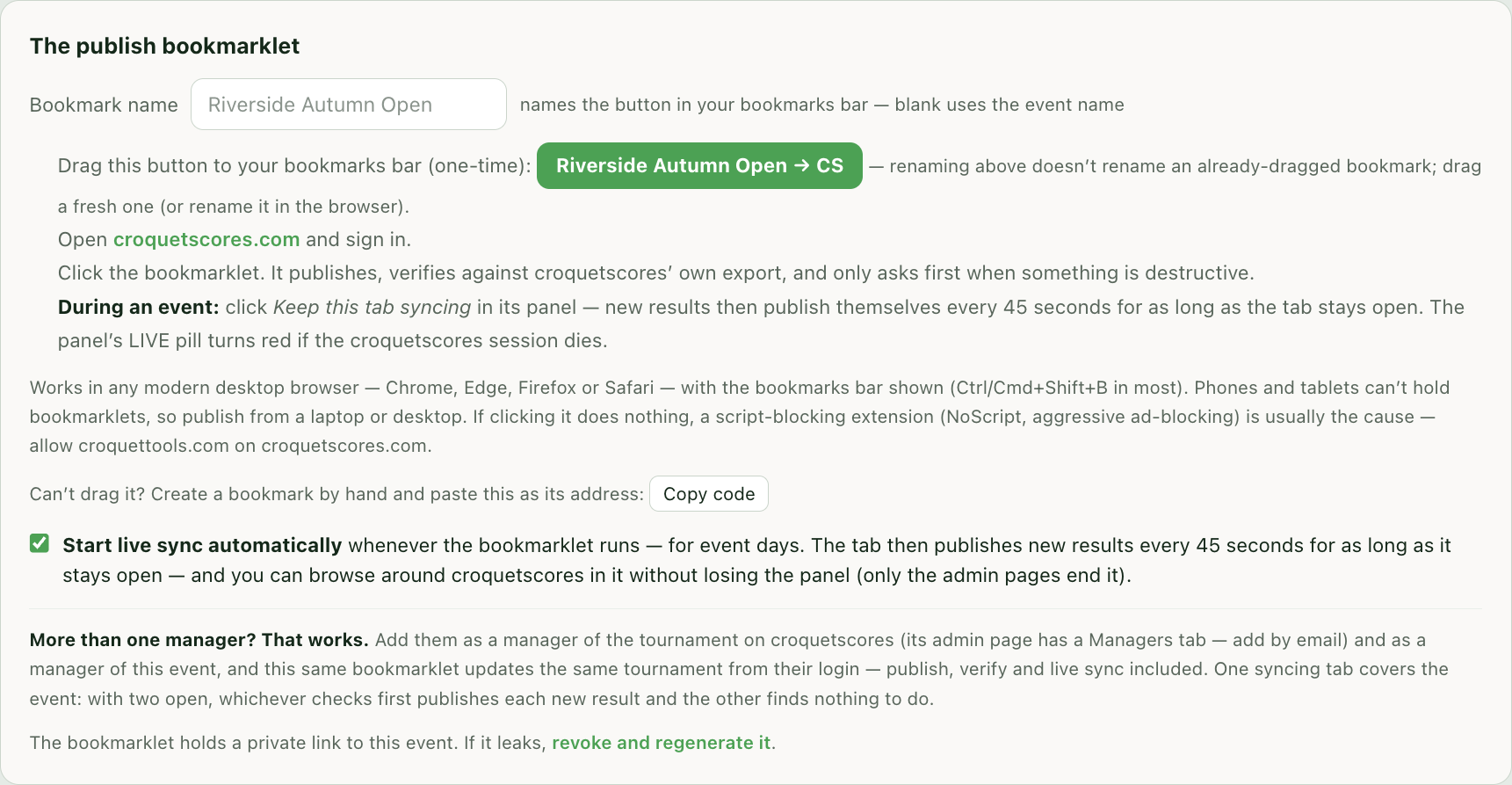
- Drag the green button to your bookmarks bar (one time). Can't drag it? Copy code and create a bookmark by hand with that as the address.
- Open a new tab and sign in to croquetscores.com.
- Click the bookmark you added.
- Your event publishes — it verifies against croquetscores' own export as it goes, and only asks first when a change would be destructive.
During the event
- Each day of the event, do the same and leave the sync tab open. With Start live sync automatically on (it is by default), scores added in Croquet Tools publish themselves every 45 seconds for as long as that tab stays open. When croquetscores refuses an update, the panel says croquetscores won't let this login edit the tournament. croquetscores gives the same answer for two causes: the sign-in has expired (it ends sign-ins after a while without warning), or the login is signed in but is not an admin of this tournament there. Sign in, in a new tab, with the account that published the tournament or one it has added on its Managers tab, and leave the sync tab open — its next check, within a minute, publishes everything that was waiting. Signing in from the sync tab itself leaves the page, which ends live sync; click the bookmark again afterwards.
In the sync tab:
- Moving around croquetscores: clicking croquetscores links (Recent, a block, a knockout) keeps the panel and live sync running, and so do the browser's Back and Forward buttons.
- What ends the panel: opening an admin page, reloading the tab, or typing an address.
- Moving the panel: drag it by its title bar (⠿) to get it off something you want to see. It opens in the same spot next time.
More than one manager? That works. Add them as a manager of the tournament on croquetscores (its admin page has a Managers tab — add by email) and as a manager of this event, and the same bookmarklet updates the same tournament from their login — publish, verify and live sync included. One syncing tab covers the event: with two open, whichever checks first publishes each new result and the other finds nothing to do.
Notes
- Needs a desktop browser with the bookmarks bar shown (Ctrl/Cmd+Shift+B in most) — phones and tablets can't hold bookmarklets.
- On a test event, publishing creates a real public tournament on croquetscores — fine for trying the flow, but delete it there when you're done.
- A score changed by hand on croquetscores is put back. On the next run, including a live sync cycle, a game on croquetscores between two players that Croquet Tools has a result for in the same competition is deleted, and the Croquet Tools result is published in its place. The log names each one: replacing a result edited on croquetscores. A game between two players Croquet Tools has no result for yet is left as it is. To correct a score, change it in Croquet Tools.
- Verify compares every result Croquet Tools published with croquetscores' own results export. Competitions on croquetscores that Croquet Tools didn't publish — added by hand there, or left from testing — are listed in amber and left untouched; they don't count as a mismatch.
- During live sync, a mismatch has to show twice before it turns red. A result entered while a publish is under way is counted before it has been sent, so one check can read "9 vs 8" and the next publishes it and matches. The first mismatch prints a plain line, croquetscores is catching up — checking again next cycle, and the pill stays green. The same mismatch on the next check — made even when nothing new needs publishing — prints in red and turns the pill amber. Red lines that later reconcile are struck through, with a green croquetscores caught up line under them, so the log shows what is true now.
- A player withdrawn in Croquet Tools is withdrawn on croquetscores too. A withdrawal is a status change, not a removal: croquetscores refuses to delete a player who has games and asks for a withdrawal instead, which is how Croquet Tools treats one too — the games played stay on record. They keep their place on the roster and every result they played, and are published as withdrawn on the next run or live-sync cycle. Reinstating a player in Croquet Tools is not carried across — the log says so, and it is undone on croquetscores by hand. A competition the player had already played out is left alone — when every one of their games in it had been played before they withdrew, there was nothing to withdraw from and they are shown on croquetscores as having completed it. Doubles pairs are a separate entry and are not affected when one of their players withdraws from the singles.
- Byes and walkovers look different on croquetscores. A bye is published as a player named Bye holding the slot, with no game against them: croquetscores advances the other player past that slot on its own and leaves the score blank. A walkover is published as a 1–0 game between the two real players, because between two real names croquetscores advances a player only through a game record. So croquetscores' own results export counts a walkover as a played game, while the WCF Export here leaves it out — that file is the one to send for ranking. The publish log names every walkover before it is sent.
- The bookmarklet holds a private link to this event. If it leaks, revoke and regenerate it from this section.
Related
- Event Page — the event's own public page, which needs no external account.
- WCF Export — results for ranking, a separate pipeline.